 Dishant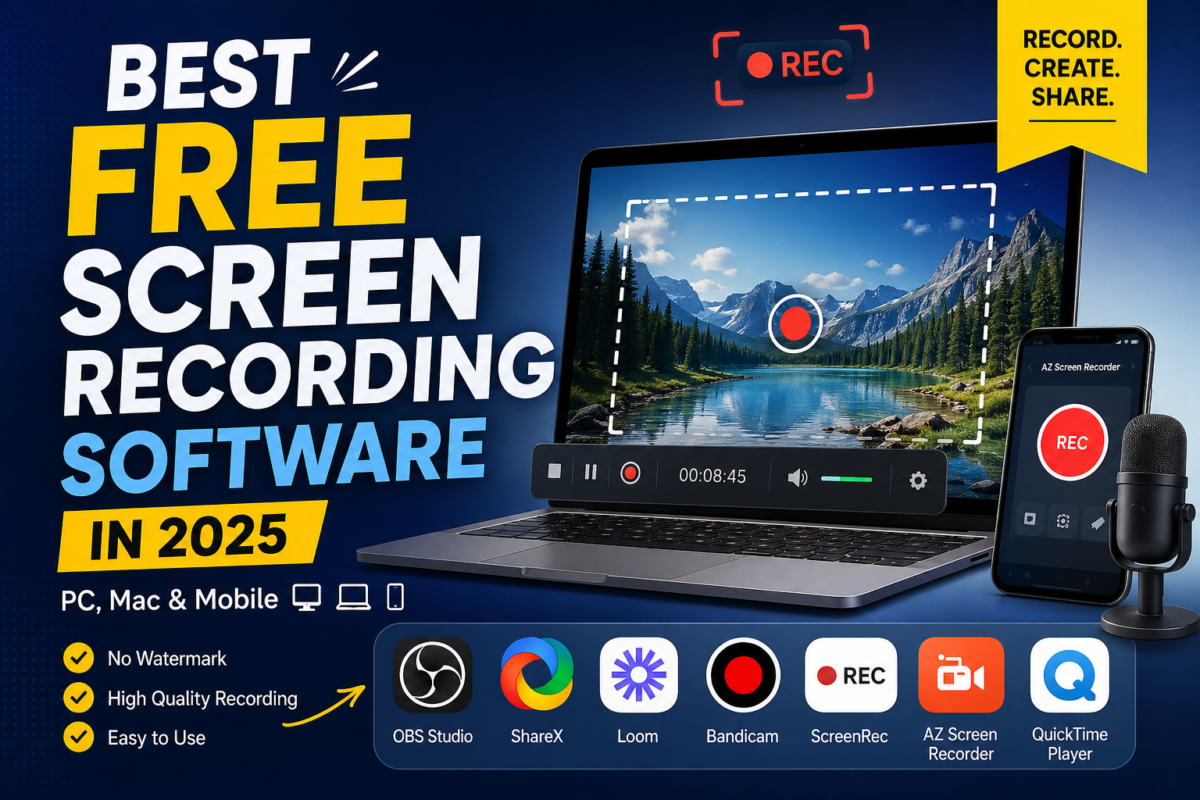
Whether you’re creating YouTube tutorials, recording gameplay, making presentations, or capturing online classes, a good screen recorder is a must-have tool.
The best part? You don’t need to spend money—there are some amazing free screen recording tools available in 2025 that do the job perfectly.
Let’s explore the best free screen recording software you should start using today! 🚀
Why Do You Need a Screen Recorder? 🤔
✔️ Create tutorials and educational content
✔️ Record meetings or online classes
✔️ Capture gameplay videos
✔️ Make product demos or presentations
✔️ Save important on-screen moments
1. OBS Studio – Best Overall (Free & Powerful) 🏆
Available on: Windows, Mac, Linux
OBS Studio is hands down the most powerful free screen recorder out there. It’s used by YouTubers, gamers, and professionals worldwide.
🔹 Features:
✅ Record screen in HD & 4K
✅ Live streaming support (YouTube, Twitch)
✅ No watermark
✅ Advanced controls (scenes, sources, audio mixing)
💡 Best for: Content creators, gamers, professionals
2. ShareX – Best for Windows Users 🖥️
Available on: Windows
ShareX is a lightweight yet powerful screen recording tool packed with features.
🔹 Features:
✅ Screen recording + screenshots
✅ GIF recording
✅ Custom workflows and shortcuts
✅ No ads, completely free
💡 Best for: Windows users who want an all-in-one tool
3. Loom – Best for Quick Sharing 📹
Available on: Windows, Mac, Chrome Extension
Loom is perfect if you want to record and instantly share videos with others.
🔹 Features:
✅ Record screen + webcam
✅ Instant shareable link
✅ Cloud storage
✅ Easy to use
💡 Best for: Professionals, teams, educators
4. Bandicam – Best for High-Quality Recording 🎮
Available on: Windows
Bandicam is known for high-quality recordings with low file size, especially for gaming.
🔹 Features:
✅ 4K UHD recording
✅ High compression (smaller file size)
✅ Game recording mode
❌ Free version has watermark
💡 Best for: Gamers and high-quality recordings
5. ScreenRec – Best Lightweight Recorder ⚡
Available on: Windows, Mac
ScreenRec is super simple and doesn’t slow down your system.
🔹 Features:
✅ Instant recording
✅ Private shareable links
✅ No watermark
✅ Minimal system usage
💡 Best for: Low-end PCs and quick recordings
6. AZ Screen Recorder – Best for Android 📱
Available on: Android
If you want to record your mobile screen, AZ Screen Recorder is one of the best apps.
🔹 Features:
✅ Record screen without root
✅ Facecam support
✅ Edit videos inside the app
✅ No watermark
💡 Best for: Mobile creators and gamers
7. QuickTime Player – Best for Mac Users 🍏
Available on: Mac
Mac users don’t need extra software—QuickTime Player can record your screen easily.
🔹 Features:
✅ Built-in macOS tool
✅ Simple and clean interface
✅ Record full or selected screen
💡 Best for: Mac users who want a simple solution
How to Choose the Right Screen Recorder? 🎯
👉 For YouTube & Streaming: OBS Studio
👉 For Quick Work Videos: Loom
👉 For Gaming: Bandicam or OBS
👉 For Low-End PC: ScreenRec
👉 For Mobile Recording: AZ Screen Recorder
👉 For Mac Users: QuickTime Player
Pro Tips for Better Screen Recording 🎬
✔️ Use a good microphone for clear audio
✔️ Record in 1080p or higher for quality
✔️ Keep your desktop clean before recording
✔️ Use keyboard shortcuts to save time
✔️ Edit your videos after recording for a professional touch
Final Thoughts 💡
You don’t need expensive software to create amazing content. These free screen recording tools are powerful enough to help you create tutorials, videos, and professional content easily.
The best part? Most of them are completely free with no watermark 😎
💬 Which screen recorder do you use? Let me know!